 Apex Studio

Now on the Microsoft Store
Sprite sheets, without the fiddly part.
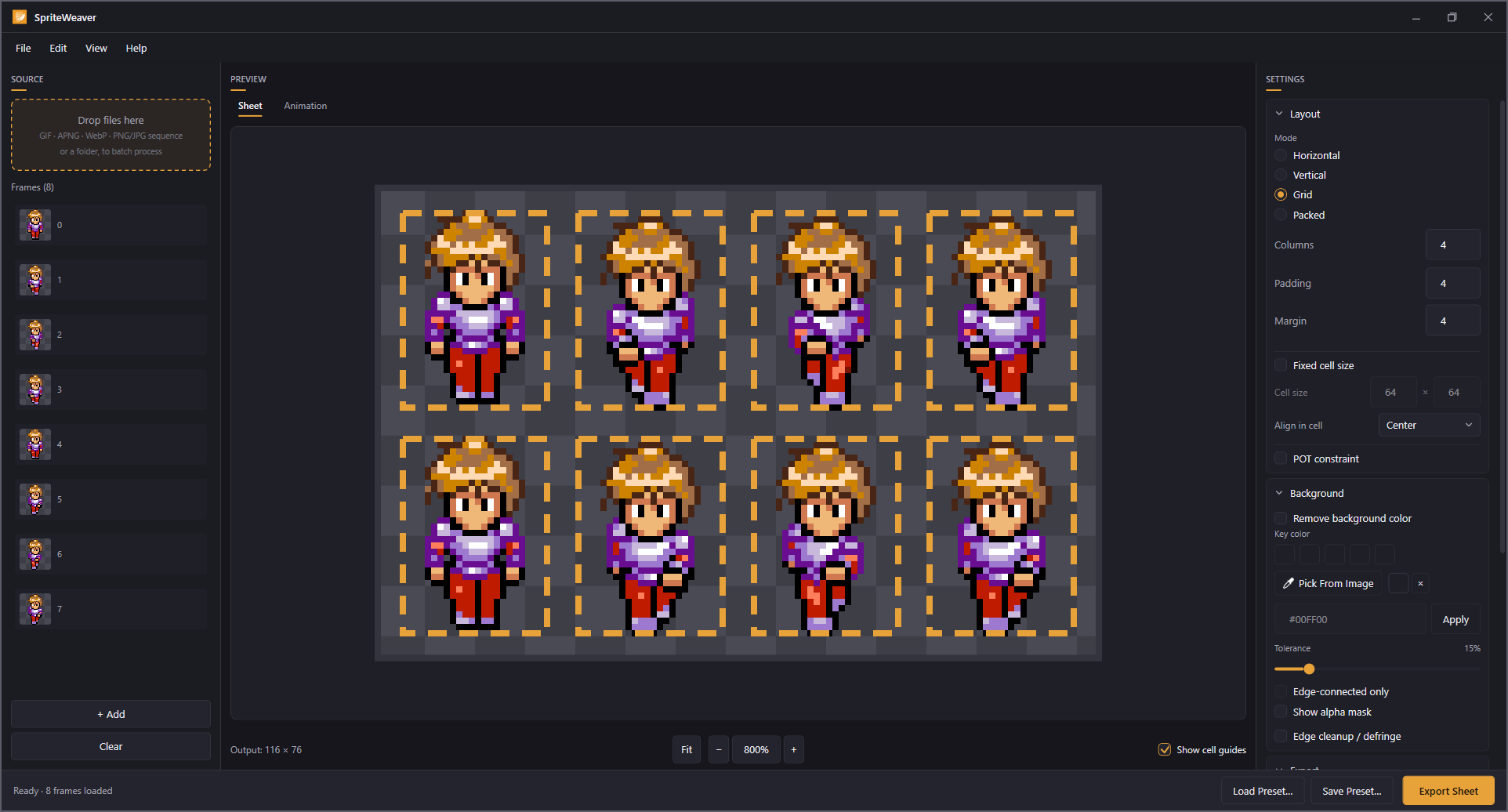
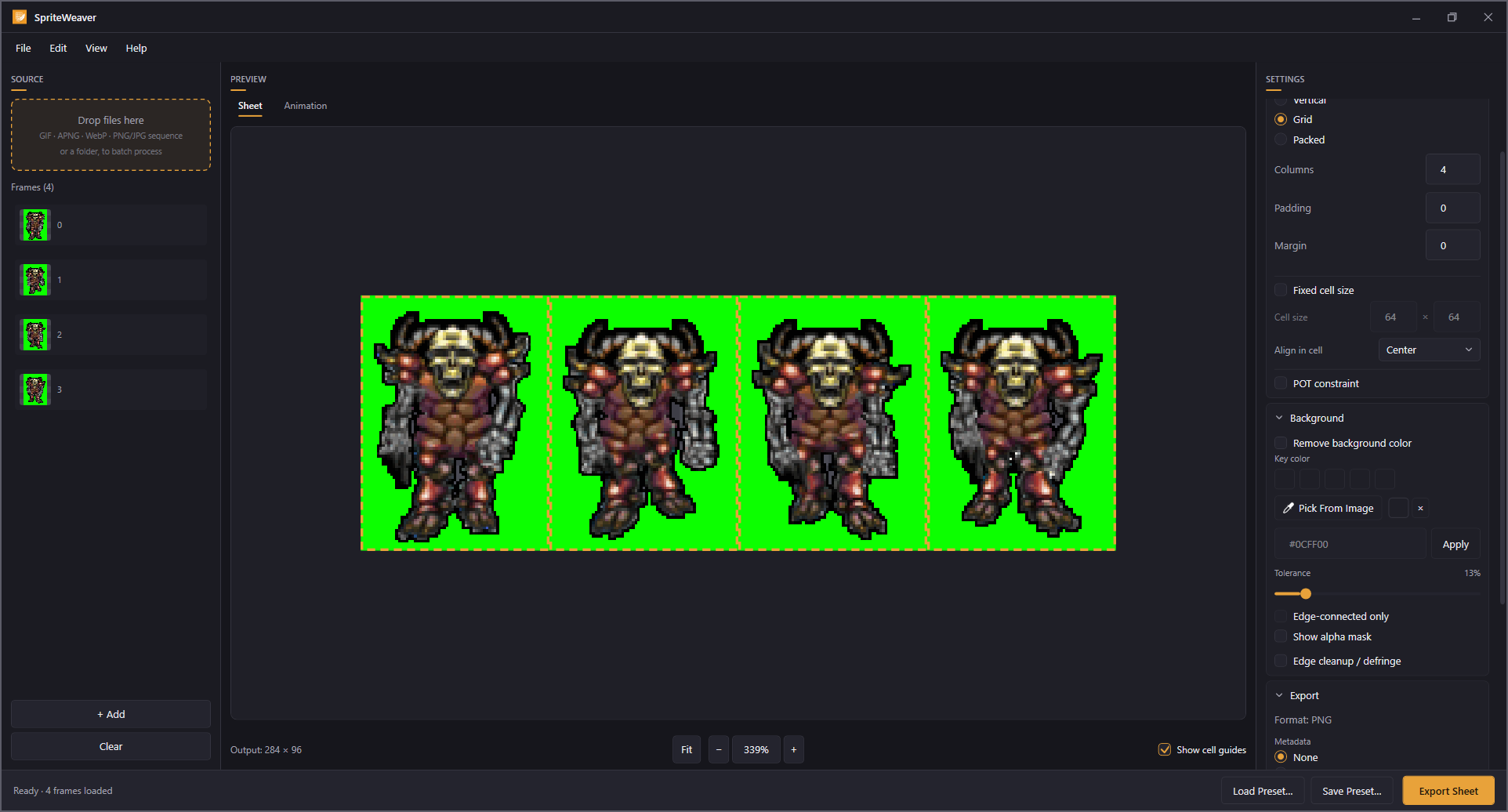
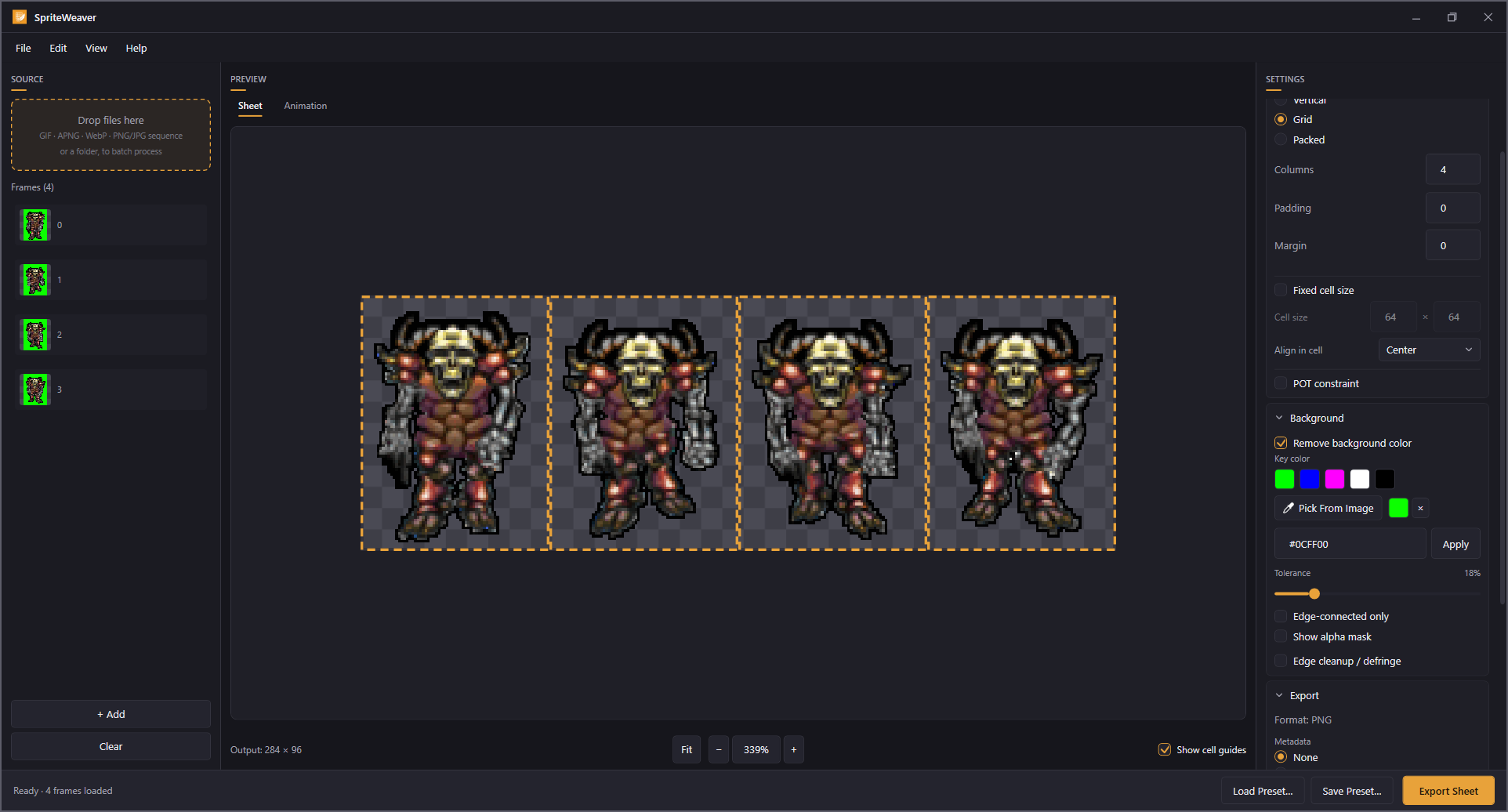
Drop in a GIF, an animated WebP, an APNG, or a folder of PNGs. SpriteWeaver pulls out the frames, keys the background to transparency, lays everything out the way your engine expects, and writes a clean PNG sheet.
What it looks like
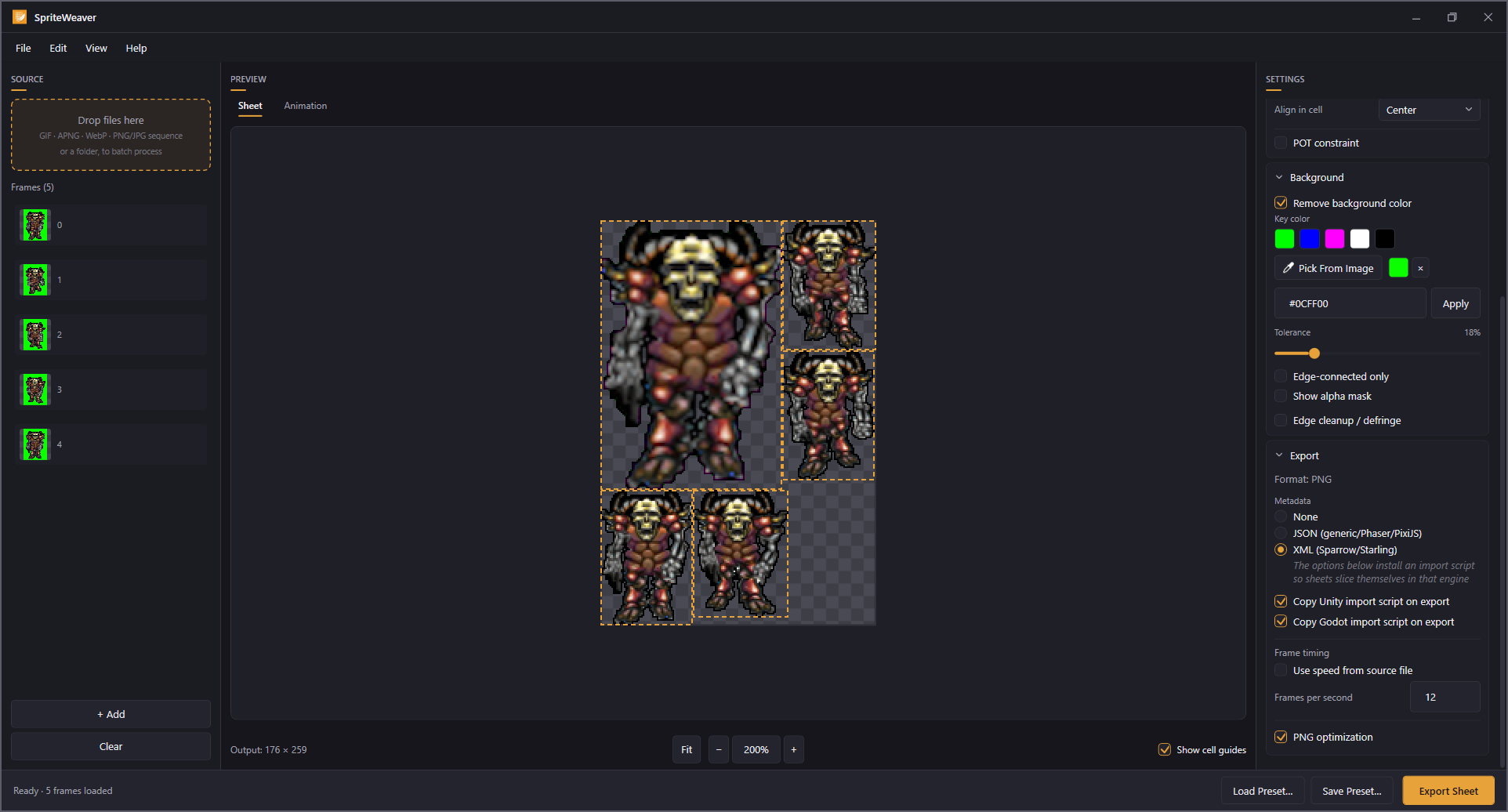
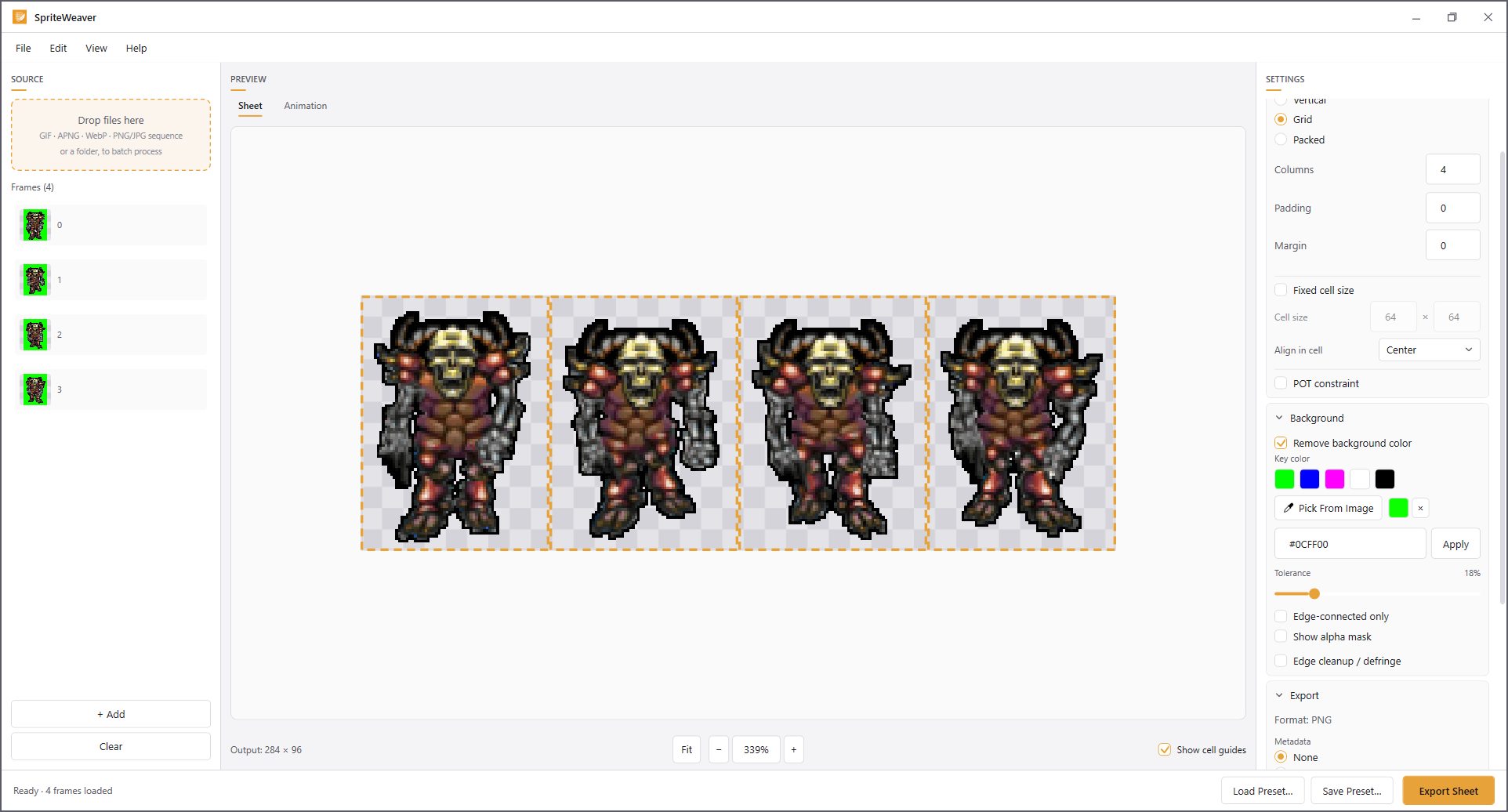
Free
Import what you already have
GIF, APNG, animated WebP, and PNG, JPG, BMP or WebP sequences. Frame timing is read from the source animation, or you can set your own frame rate.
Arrange it your way
Horizontal, vertical and grid layouts, with columns, padding, margin, fixed cell size and nine alignment options for slicing by grid in your engine.
Key out the background
Tolerance slider, eyedropper, hex entry, and an edge-connected-only mode for sprites that contain the key colour themselves.
See it before you save it
A live sheet preview plus an animation tab that plays your frames back at the speed they will actually run.
Edit the frame list
Drag to reorder, duplicate, remove, and reverse the whole sequence for ping-pong loops.
No strings on the output
No watermarks, no export limits, no resolution caps. The free version produces sheets you can ship.
Pro, $4.99 once
For when you have stopped doing one-off conversions and have an actual asset pipeline.
- Batch processing: drop a folder and convert every file in one pass
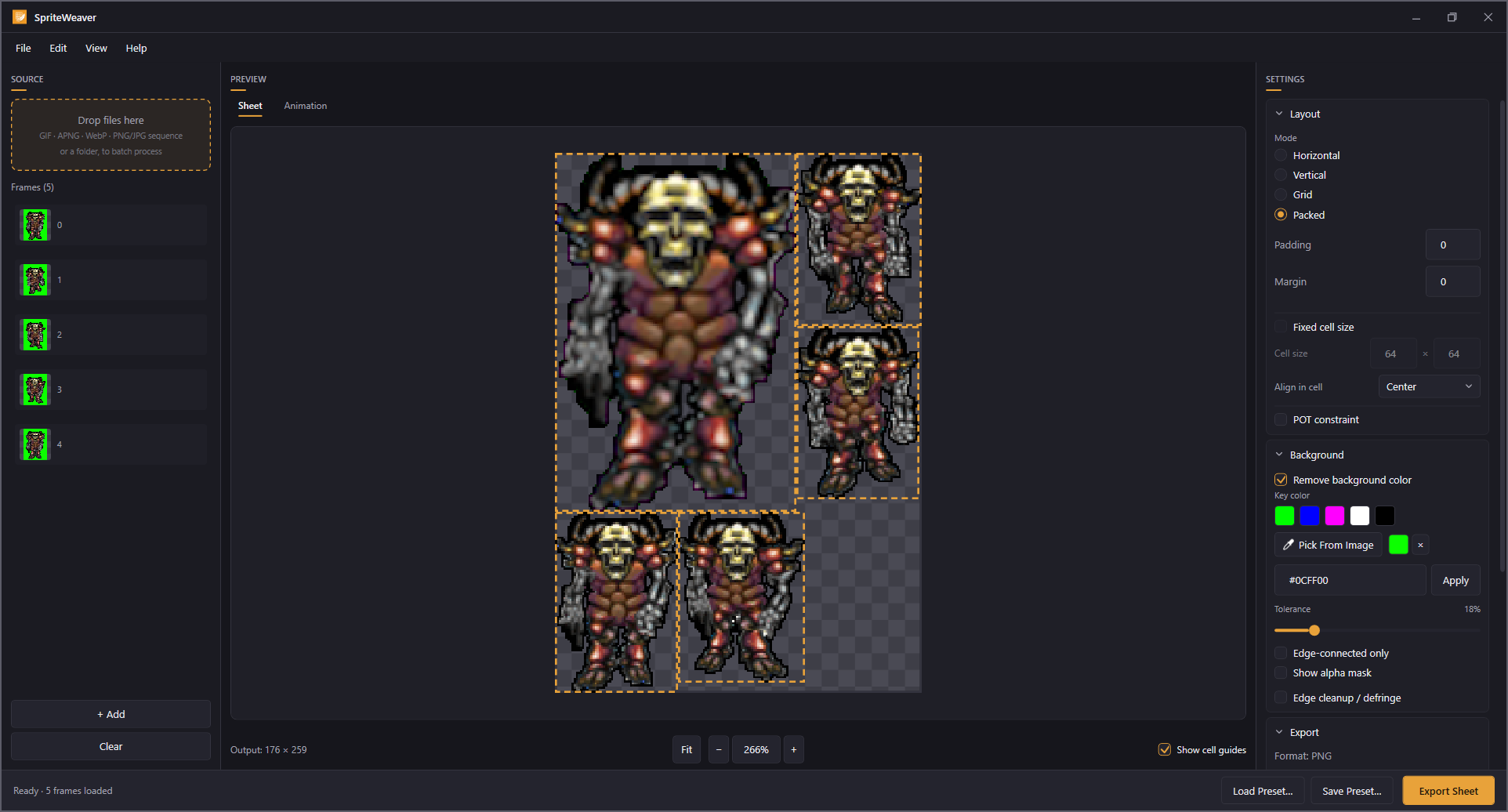
- Packed atlas mode with per-sprite trimming
- Power-of-two sizing for older and mobile GPU targets
- Metadata export as JSON for Phaser and PixiJS, or XML in the Sparrow and Starling format
- Unity and Godot import scripts, installed into your project on export
- Saved presets, so repeat work is one click
- Watch a folder and re-process automatically when a source file changes
- Edge cleanup, which removes leftover colour fringing around keyed edges
- Lossless PNG optimisation
Works with
Unity, Godot, Phaser, PixiJS, GameMaker, MonoGame, and anything else that reads a PNG sheet or a standard texture atlas file.
SpriteWeaver prepares and packs sprites. It is not a pixel art editor, and it does not import video files.