 Apex Studio

Now on the Microsoft Store
Find out what is wrong with your asset packs.
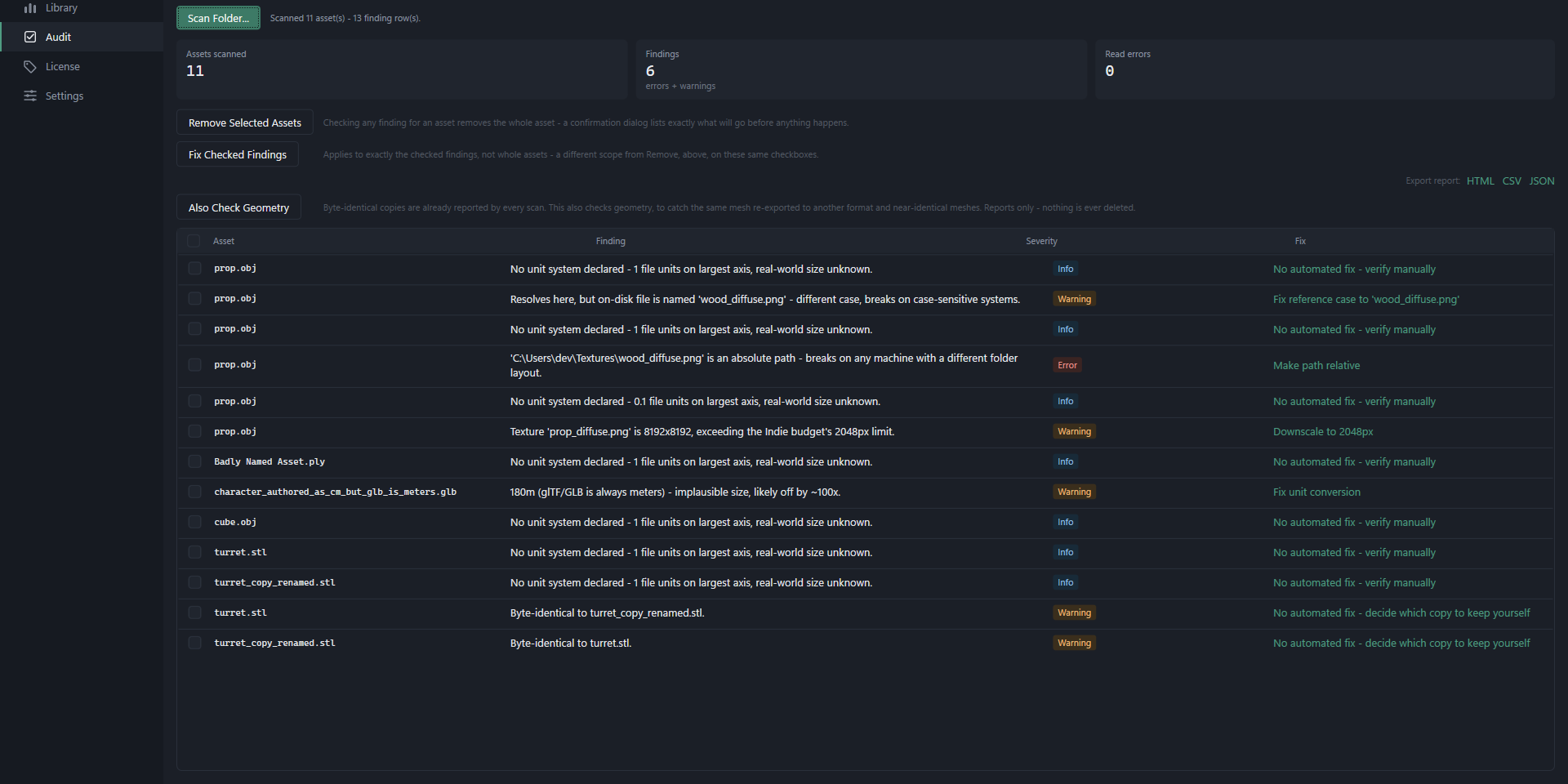
You buy a pack of 40 models. Half of them import at the wrong scale. One is so oversized it crashes the editor. Some textures do not load because the seller shipped absolute paths from their own machine. Six months later you cannot remember which assets need attribution. Provenant finds all of it, then fixes what can be fixed safely.
What it looks like
Free
Inspect any asset properly
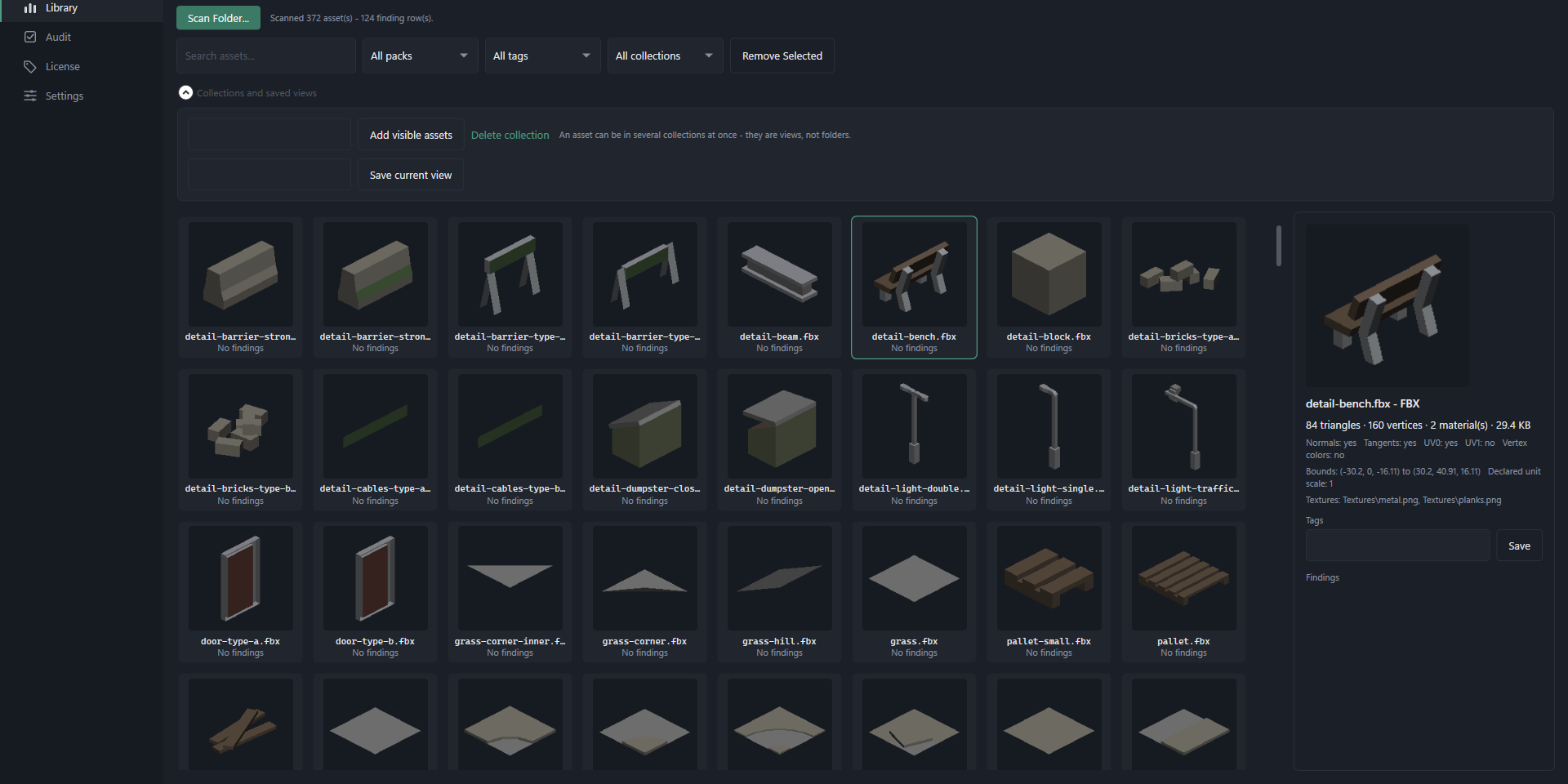
Triangle and vertex counts, meshes, materials, UV channels, normals, texture references, bounding box and file size. The complete report, not a preview of one.
Check it against a budget
Compare polycount and texture sizes against mobile, indie or AAA presets, so you know whether an asset suits the thing you are actually building.
Browse your library
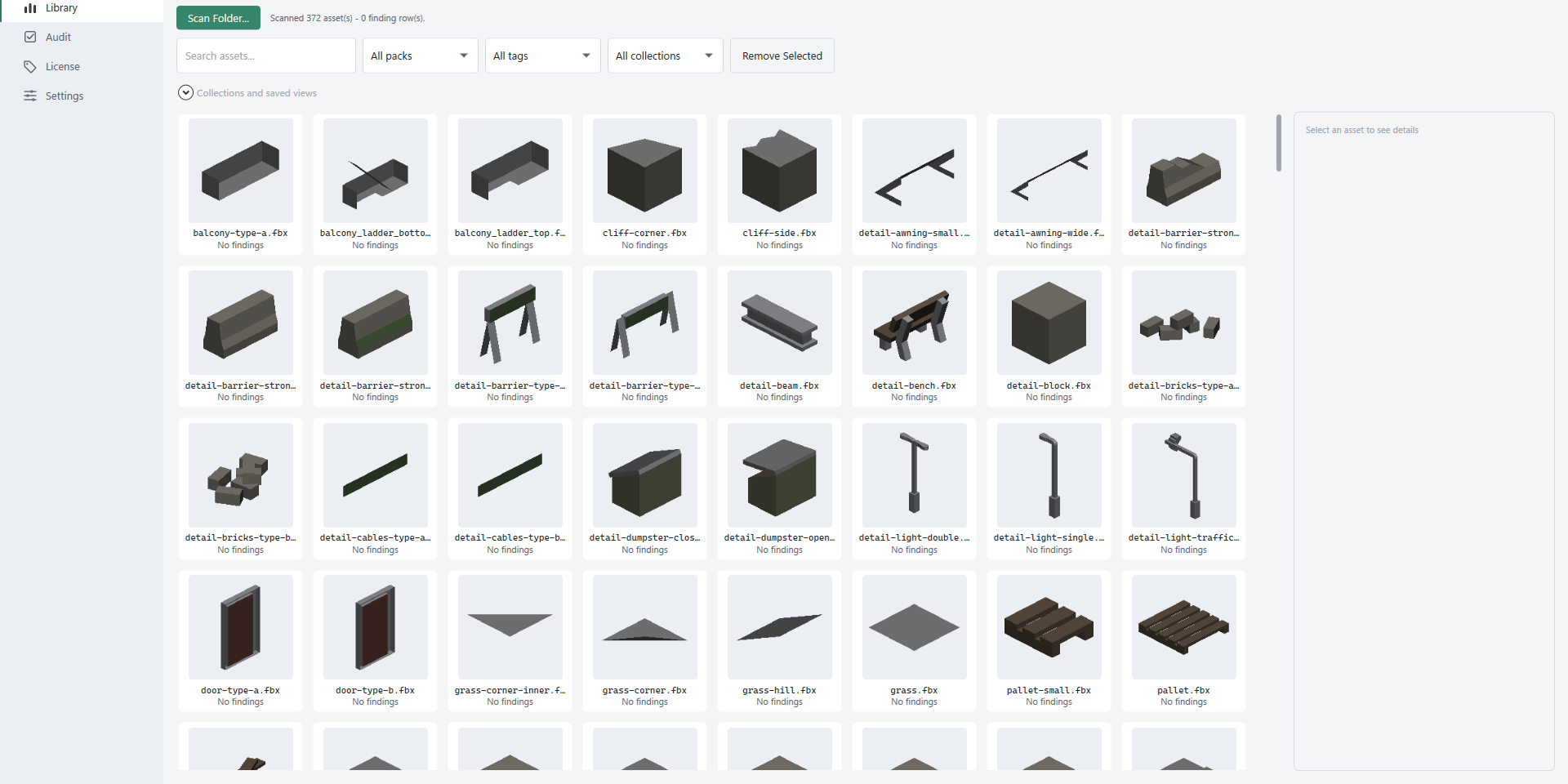
Scan a folder and browse it with thumbnails, search and pack grouping, whatever formats it happens to contain.
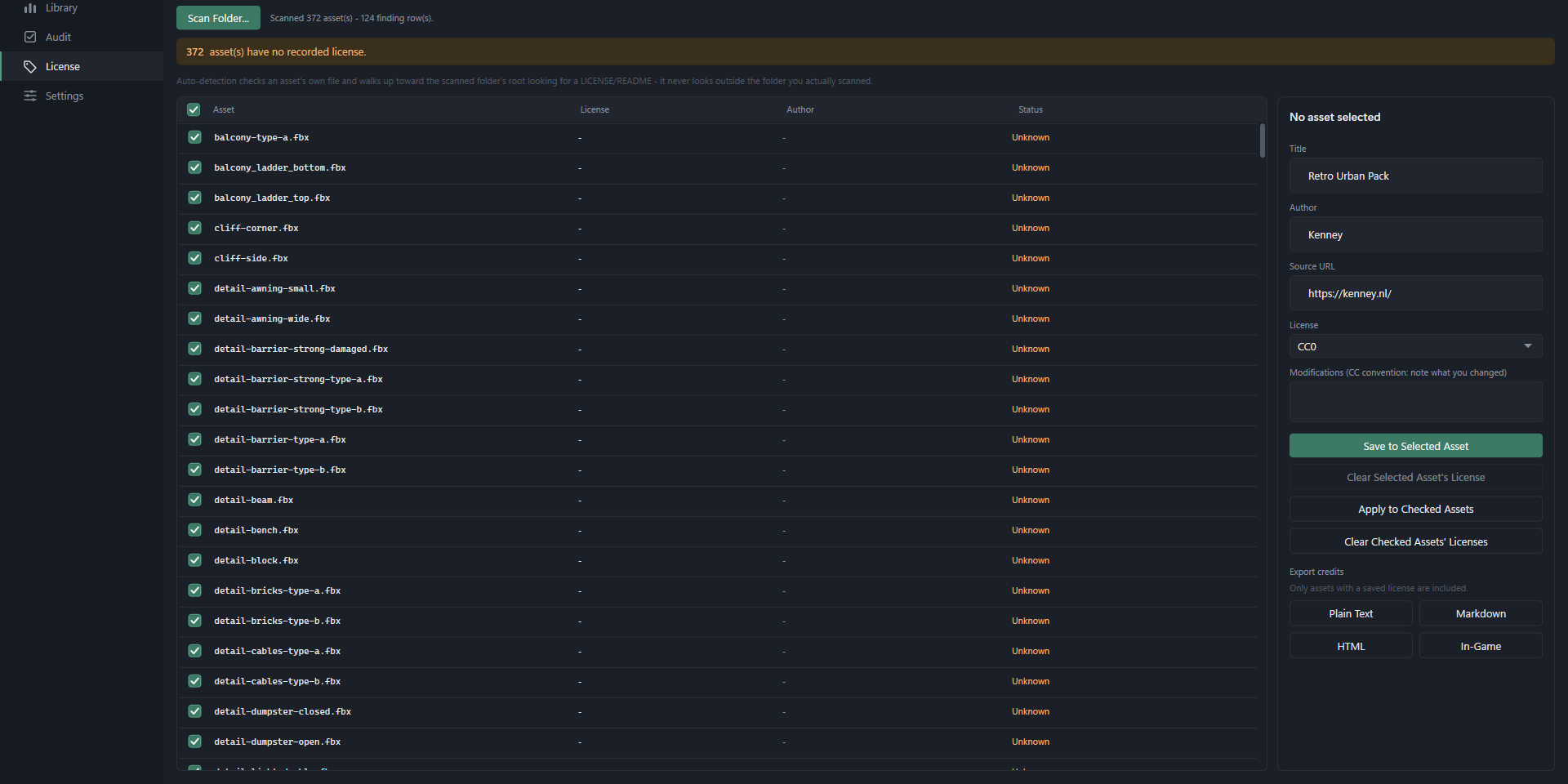
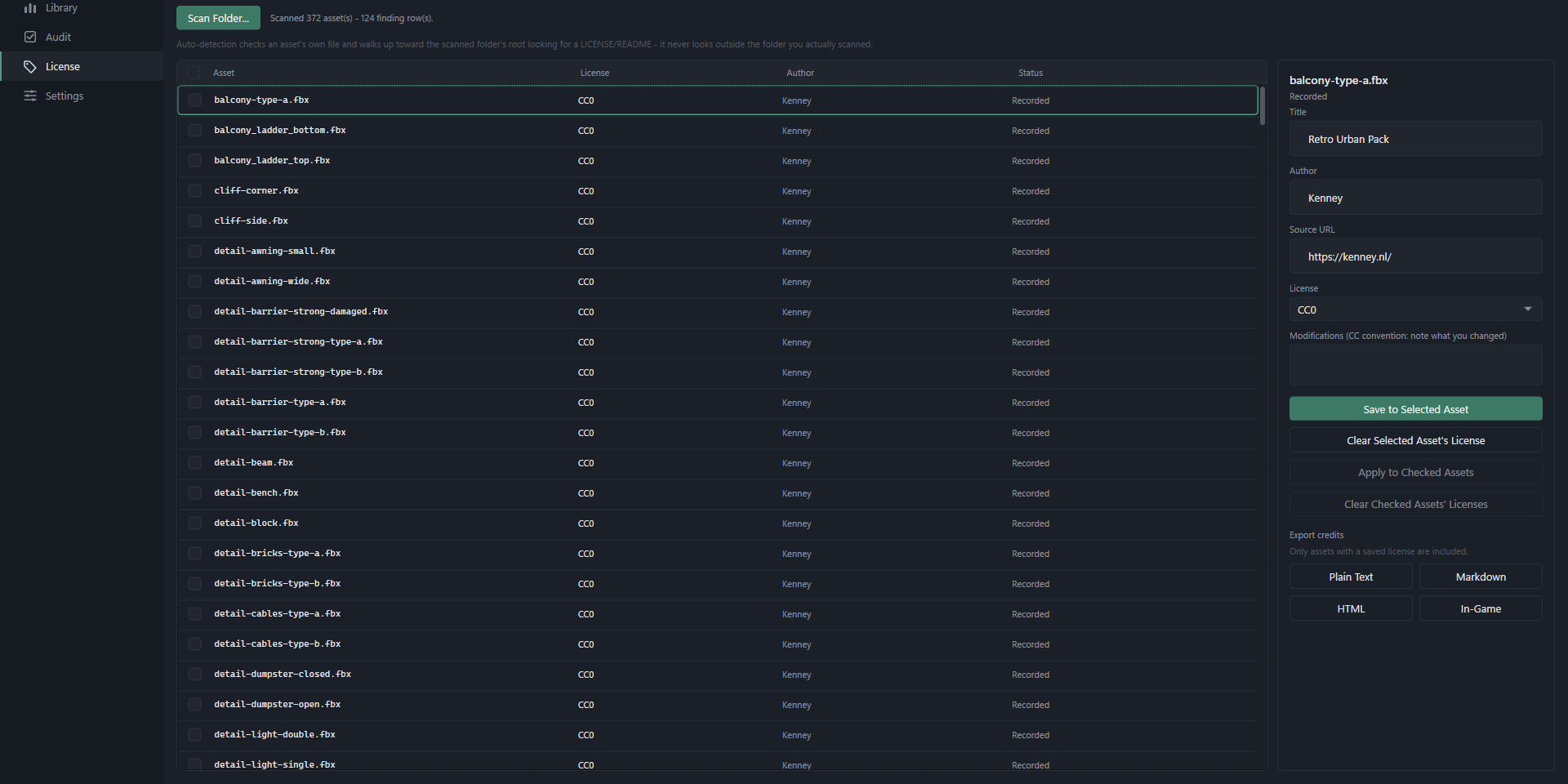
Record where something came from
Note the source and licence for an asset while you still remember it, rather than trying to reconstruct it months later.
Reads what you already have
FBX, OBJ, glTF, GLB, DAE, STL, PLY, 3DS and Blender files.
No strings on the output
No watermarks, no file-size caps, no trial period. The free reports are complete reports. Pro audits more assets, not more honestly.
Pro, $9.99 once
For when you have stopped fixing assets one at a time and have an actual library to keep in order.
- Audit an entire folder tree and see every problem in one table
- Repair absolute texture paths so they work on any machine
- Downscale textures that are larger than your project needs
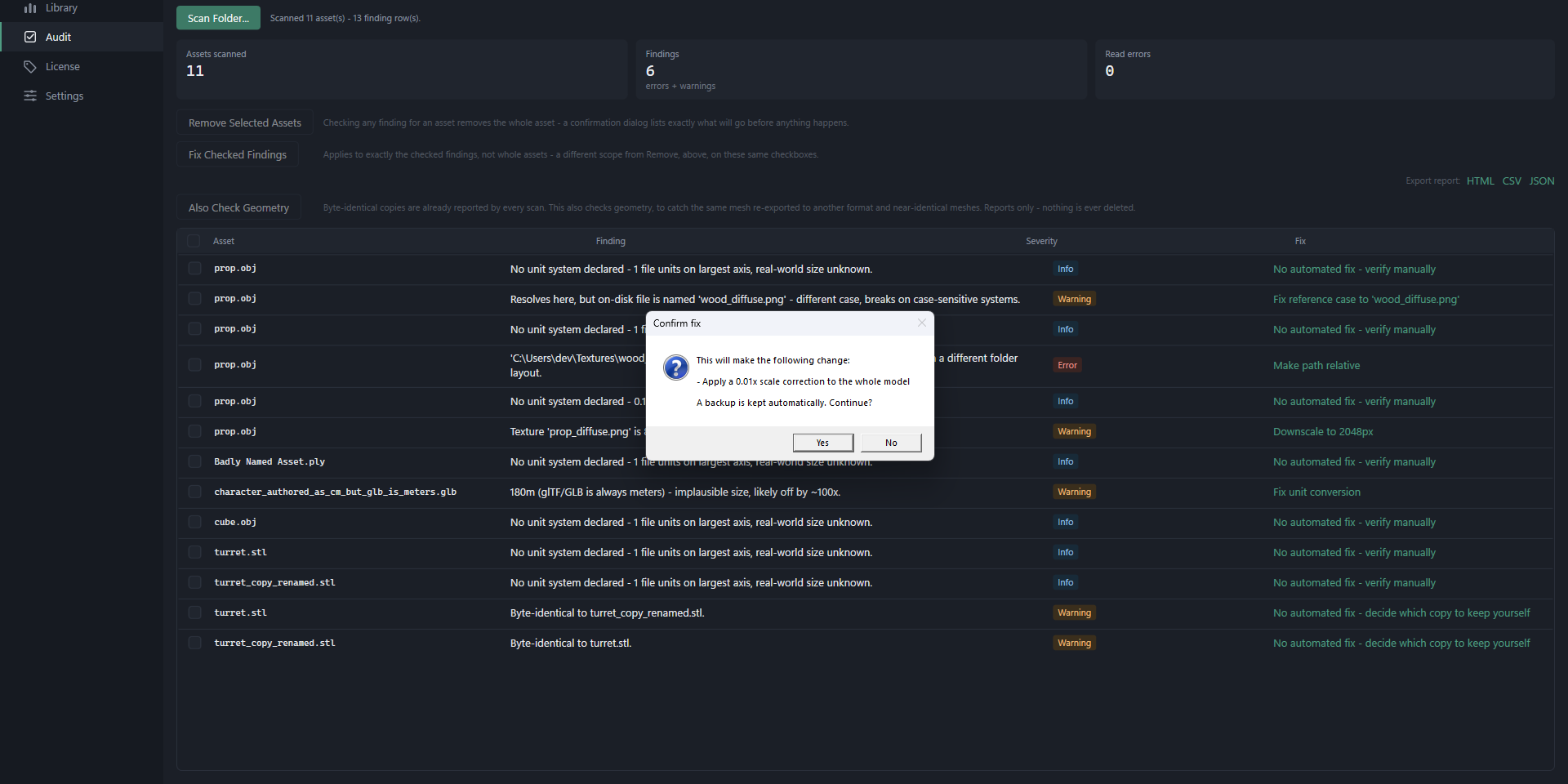
- Correct import scale in Unity, by editing Unity's settings file rather than your model
- Normalise scale in glTF and GLB files
- Rename hundreds of files to a naming convention
- Find duplicate models, including the same mesh re-exported to another format
- Tags, collections and saved views across the whole library
- Bulk licence assignment and credits export in several formats
- Watch a folder and re-audit automatically when it changes
- Your own polygon, material and texture limits per project
- Export findings as a web page, spreadsheet or data file, useful for sending a seller a specific defect list
What it does to your files
Provenant never rewrites your FBX, OBJ, DAE, STL, PLY or 3DS files. It fixes the things around them, meaning textures, material files and your engine's import settings, and keeps a backup of anything it changes. glTF and GLB are the one kind of model it will rewrite, and only when you apply a scale fix to one.
Nothing is uploaded. There is no account, no cloud, and the app declares no network capability at all.
Works with
Unity, Godot, Unreal, and anything else that reads these formats. The import-size correction is Unity-specific, because Unity records what it decided in a file Provenant can read. Everything else works the same whatever you build in.
Provenant is not a 3D editor. It does not retopologise, generate LODs or edit meshes. Licence tracking is a record-keeping tool, a notebook rather than a lawyer, and checking that you are allowed to use something remains up to you.